Alpha and beta testing get used interchangeably, and that is how teams end up sending an unstable build to customers or testing with real users too late to act on what they say. They are two different stages with different testers, different goals and different kinds of bugs.
Here is what each stage covers, how to tell when you are ready to move from one to the other, and what a realistic timeline looks like.
The short answer
Alpha vs beta testing at a glance
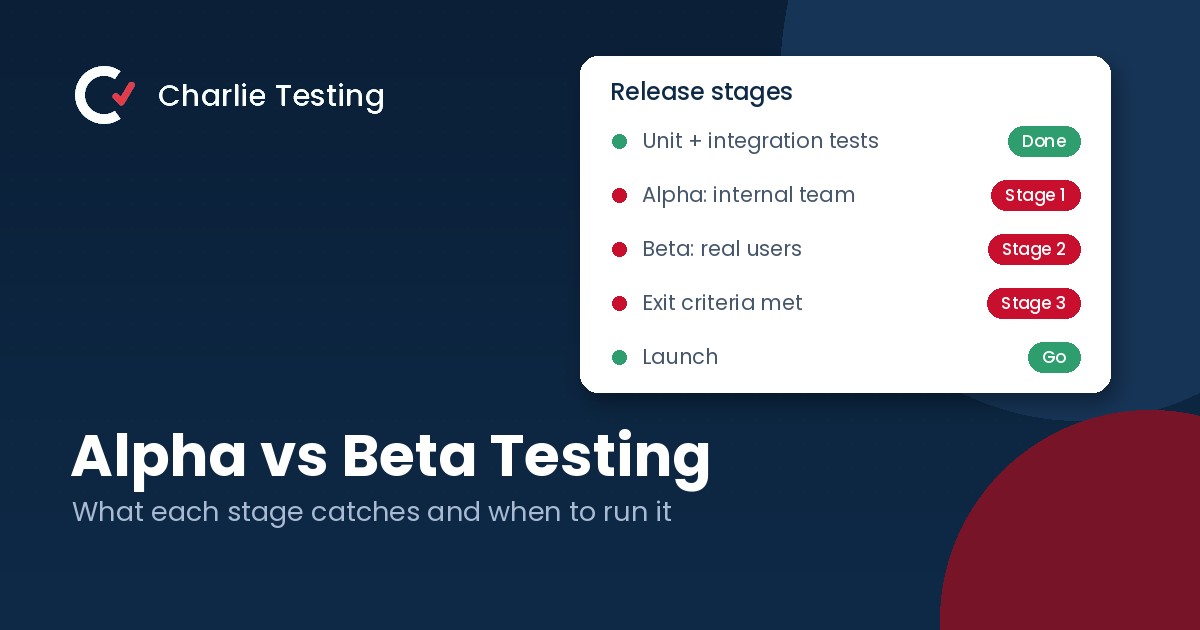
Alpha testing is internal. Your own developers and QA team test an early build in a controlled setting, looking for crashes and broken core flows. Beta testing is external. Real users try a near final build on their own devices, looking for usability problems, edge cases and anything that breaks outside your lab. Alpha comes first, and beta follows once the product is stable enough for outsiders.
Alpha testing
- Who: your developers, QA team and trusted staff
- Where: a controlled environment you manage
- Goal: find crashes, broken flows and stability problems
- Build: still changing, with known gaps
- Typical length: one to three weeks
Beta testing
- Who: real users who resemble your customers
- Where: their own devices, networks and habits
- Goal: find usability issues, edge cases and real world failures
- Build: near final, with major bugs already fixed
- Typical length: three to four weeks
What alpha testing catches
Crashes and broken core flows
Signup fails, payments error out, a screen never loads. These need to be gone before any outsider sees the product, and the team that built it is best placed to find and fix them quickly.
Gaps between design and build
Alpha is where QA compares the product with the spec and the designs. Missing states, wrong copy and flows that do not match the plan are cheap to fix now and expensive to fix after launch. A manual QA testing pass on real devices belongs in this stage.
Stability and performance baselines
Slow screens, memory leaks and failed upgrades show up early. Fixing them in alpha keeps beta testers from burning their first week on problems your team could have caught.
What beta testing catches
Usability problems you cannot see from inside
After months on a product, the team no longer sees what confuses a first time user. Beta testers will tell you which label is unclear, which step they skipped and which feature they never found.
Edge cases from real devices and data
Testers bring older phones, slow connections, long names, big imports and habits you never planned for. The more they resemble your customers, the more useful their reports are, which is why recruiting the right beta testers matters so much.
Confidence before launch
A good beta also answers a business question: is this ready? Clear exit criteria, such as zero open critical bugs, turn the answer into a decision. Our beta test plan guide shows how to write them.
Readiness
When to move from alpha to beta
Move from alpha to beta when most of these are true:
- Unit and integration tests pass, and the build installs and upgrades cleanly
- Core flows such as signup, login and payment work end to end
- No known critical bugs and only a short list of known major ones
- The product is roughly 90 to 95 percent complete
- You have a bug reporting channel, a tester profile and a written plan
If you are unsure, walk through our beta testing checklist. It covers the build readiness steps that should be done before the first outside tester gets access.
Timeline
A realistic alpha and beta timeline
Weeks 1 to 2: alpha
Internal testing on the current build. Developers fix crashes and broken flows as reports arrive. Exit when the core flows are stable and the build installs cleanly.
Week 3: bridge
Fix the last major alpha bugs, freeze the feature set, write the beta plan and recruit and screen testers. Send the first invitations only when the build is ready.
Weeks 4 to 7: beta
Weekly test cycles with specific tasks, one place for bug reports and triage within one business day. Retest fixes before each new cycle.
Week 8: wrap up
Check the exit criteria, run a regression pass, thank testers and decide whether to launch. Our bug report template keeps reports from testers consistent through the whole stretch.
Can you skip alpha or beta?
Skipping alpha sends an unstable build to outside testers, who will spend their time reporting crashes your team should have caught and then stop participating. Skipping beta means launching without any real world validation. Small teams sometimes combine the two by releasing to staff first and then to a limited group of customers with feature flags, which lets one release reach each group in turn without a separate build. The stages still happen. They just share a build.
Common alpha and beta testing mistakes
- Calling a first internal build a beta and inviting customers too early
- Recruiting beta testers who do not match your real customers
- Running a beta with no end date or exit criteria
- Accepting bug reports in several places at once
- Treating beta feedback as a feature request list instead of a launch decision
FAQ
Alpha vs beta testing questions
What is the main difference between alpha and beta testing?
Alpha testing is done internally by your own team in a controlled environment to find crashes and broken flows. Beta testing is done by real users outside the company on their own devices to find usability issues and real world problems.
Which comes first, alpha or beta testing?
Alpha comes first. It usually starts after unit and integration testing, and beta begins once the product is stable enough to put in front of outside users.
How long should alpha and beta testing take?
Alpha often takes one to three weeks and beta three to four weeks, including about a week to recruit and onboard testers. Larger products take longer, and a small update may need only one or two cycles of each.
Do we need both alpha and beta testing?
For most products, yes, because they find different problems. Teams with a small user base sometimes combine them, releasing to staff first and then to a limited group of customers, but both stages still happen.
Can we run a beta test without an in house QA team?
Yes. About half of our clients are startups that use beta program management instead of hiring a QA team. We recruit and screen testers, run the cycles and send only verified bugs to your developers.
Ready to move from alpha to beta?
Tell us where your build is today. A Charlie Testing lead will reply within one business day with a written test plan, a tester profile and a fixed quote. Prefer to talk it through? Call (713) 555-0142.

- Why Short Video Belongs in Your Small Business Marketing - October 30, 2026
- Regression Testing: How to Stop Old Bugs Coming Back - October 16, 2026
- Alpha vs Beta Testing: What Each Catches and When to Run It - October 13, 2026